Tutorial
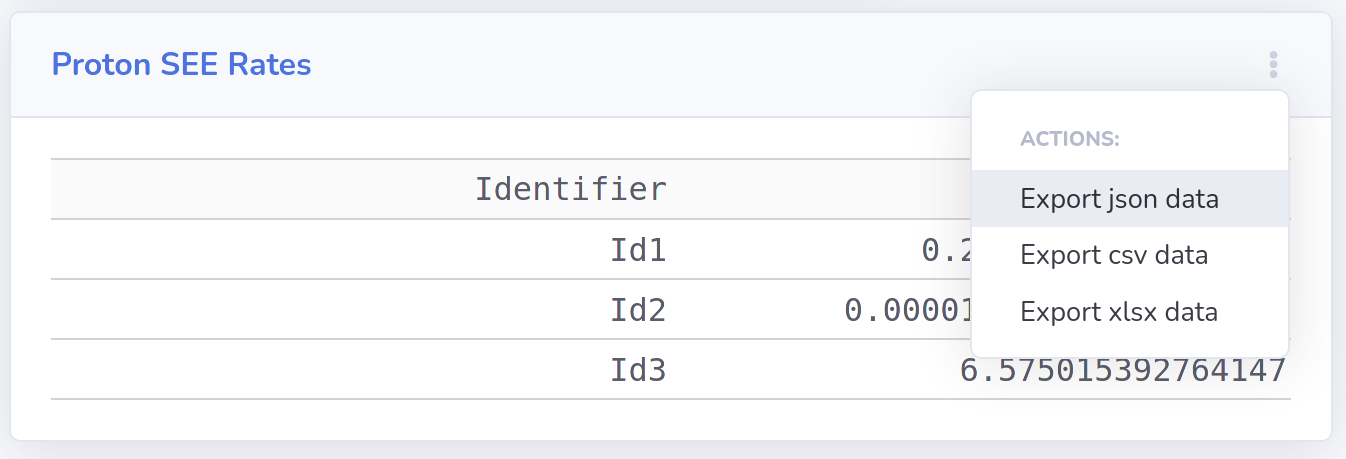
The website is organized into a collection of environment, effect, and utility modules which can be found on the left sidebar. Each module accepts user inputs and optionally data tables or plots. Data tables and plots will have a three dot icon in the upper right corner with drop-down options for importing and exporting data. Tables will accept .json or comma separated value (.csv) files as input. Input plots, typically environments, will accept .json, CREME96, and SPENVIS file formats. Sample files can be downloaded from Test Files.

Computed tables and plots will include options for downloading the data for permanent storage. No file storage is provided on the site. The recommended export format for interchange between the modules is JSON. However, tables can also be downloaded as .csv files and Excel spreadsheets.